Config files
At a glance
condash reads two config files. Which file owns which key is not cosmetic — it's how per-machine and per-team boundaries are kept separate.
| File | Location | Scope | Owns |
|---|---|---|---|
config.toml |
$XDG_CONFIG_HOME/condash/ (usually ~/.config/condash/) |
Per-machine, not shared | conception_path, port, native, pdf_viewer, terminal |
repositories.yml |
<conception_path>/config/repositories.yml |
Per-tree, versioned in git | workspace_path, worktrees_path, repositories, open_with |
preferences.yml |
<conception_path>/config/preferences.yml |
Per-tree but not versioned — per-machine preferences for this tree | pdf_viewer, terminal |
The two YAML files live inside the conception tree itself. On any given machine, the three files are merged at load time: YAML values override the TOML defaults, so moving a team-wide setting into repositories.yml automatically propagates to every developer who pulls the tree.
config.toml (per-machine)
Default location: $XDG_CONFIG_HOME/condash/config.toml, falling back to ~/.config/condash/config.toml.
conception_path = "/path/to/conception"
port            = 0
native          = true
pdf_viewer      = ["evince {path}", "okular {path}"]

[terminal]
shell                     = "/bin/zsh"
shortcut                  = "Ctrl+`"
screenshot_dir            = "/home/you/Pictures/Screenshots"
screenshot_paste_shortcut = "Ctrl+Shift+V"
launcher_command          = "claude"
move_tab_left_shortcut    = "Ctrl+Left"
move_tab_right_shortcut   = "Ctrl+Right"
| Key | Required | Meaning |
|---|---|---|
conception_path |
yes | Absolute path to the root of the conception tree condash renders. Must contain projects/ (and may contain knowledge/ and config/). |
port |
no | TCP port for the embedded HTTP server. 0 (default) means "pick a free port in 11111–12111". Set a fixed value if you want http://127.0.0.1:<port> to be stable. |
native |
no | true (default) opens a desktop window via pywebview. false skips pywebview and serves the dashboard in whatever browser points at http://127.0.0.1:<port> — useful when the Qt/GTK backend isn't available. |
pdf_viewer |
no | Bare list of shell-style commands, tried in order. {path} is replaced with the absolute path of the PDF. Unset or empty → falls back to the OS default. Note: it's a top-level list, not pdf_viewer.commands = [...]. |
[terminal] |
no | Embedded terminal settings — see below. |
[terminal]
| Key | Default | Meaning |
|---|---|---|
shell |
$SHELL → /bin/bash |
Absolute path to an interactive shell. |
shortcut |
Ctrl+` |
Toggle the terminal pane. Modifiers: Ctrl, Shift, Alt, Meta. Key names follow the HTML KeyboardEvent.key convention. |
screenshot_dir |
$XDG_PICTURES_DIR/Screenshots, else ~/Pictures/Screenshots on Linux, ~/Desktop on macOS |
Directory scanned for "most recent screenshot" by the paste shortcut. |
screenshot_paste_shortcut |
Ctrl+Shift+V |
Inserts the absolute path of the newest image in screenshot_dir into the active terminal. No Enter — user confirms. |
launcher_command |
claude |
Shell-style command spawned by the secondary + button in each terminal side. Empty hides the button. |
move_tab_left_shortcut |
Ctrl+Left |
Move the active tab to the left pane. |
move_tab_right_shortcut |
Ctrl+Right |
Move the active tab to the right pane. |
repositories.yml (per-tree, versioned)
Lives at <conception_path>/config/repositories.yml. Commit it — every developer who pulls the tree gets the same workspace layout and "open with" commands.
workspace_path: /home/you/src
worktrees_path: /home/you/src/worktrees

repositories:
  primary:
    - condash
    - { name: helio, submodules: [apps/web, apps/api] }
  secondary:
    - conception

open_with:
  main_ide:
    label: Open in main IDE
    commands:
      - idea {path}
      - idea.sh {path}
  secondary_ide:
    label: Open in secondary IDE
    commands:
      - code {path}
      - codium {path}
  terminal:
    label: Open terminal here
    commands:
      - ghostty --working-directory={path}
      - gnome-terminal --working-directory {path}
| Key | Meaning |
|---|---|
workspace_path |
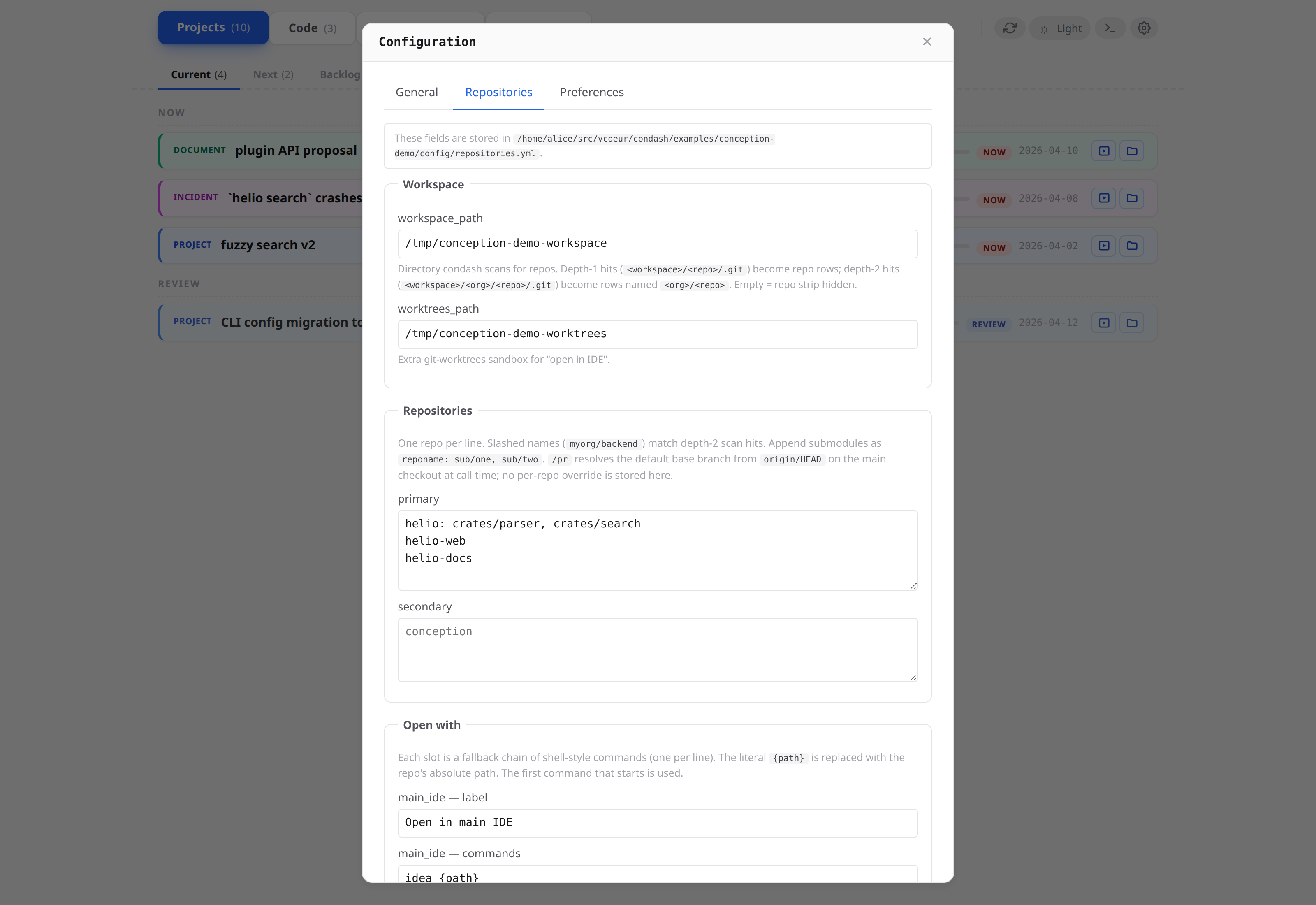
Directory condash scans for git repositories. Every direct subdirectory containing a .git/ shows up in the Code tab. If unset, the tab is hidden. |
worktrees_path |
Additional sandbox for the "open in IDE" buttons. Paths outside workspace_path and worktrees_path are rejected before the shell sees them. |
repositories.primary |
List of bare directory names (not paths) matched against the scan. Shown in the PRIMARY card. |
repositories.secondary |
Same as primary, shown in the SECONDARY card. Anything under workspace_path not named in either list lands in an OTHERS card. |
Entry with submodules |
An inline map {name: repo, submodules: [sub/one, sub/two]} renders the repo as an expandable row with sub-rows for each listed subdirectory. Each submodule keeps its own dirty count and "open with" buttons. Useful for monorepos where different subtrees are edited independently. |
Entry with run |
Either a top-level inline map {name: repo, run: "<cmd>"} or a sub-repo map {name: apps/web, run: "<cmd>"} wires an inline dev-server runner into that row. run: is independent of submodules: — a parent's run: is not inherited by its submodules. |
open_with.<slot> |
Three vendor-neutral launcher slots (main_ide, secondary_ide, terminal). Each slot has a label (tooltip) and a commands fallback chain. |
{path} substitution
Each commands entry is a single shell-style string parsed with shlex. The literal {path} is replaced with the absolute path of the repo / worktree being opened. Commands are tried in order until one starts successfully — if idea {path} isn't on $PATH, the button falls through to idea.sh {path} automatically.
Built-in defaults reproduce the previous IntelliJ / VS Code / terminal behaviour, so a repositories.yml with no open_with section still gives functional buttons. Override only the slots you want to customise.
preferences.yml (per-tree, not versioned)
Lives at <conception_path>/config/preferences.yml. Do not commit this file — add it to the tree's .gitignore. It holds the same per-machine keys as the TOML file, but scoped to the tree, so different trees on the same machine can use different terminal shortcuts or PDF viewers.
pdf_viewer:
  - xdg-open {path}
  - evince {path}

terminal:
  shortcut: Ctrl+T
  screenshot_paste_shortcut: Ctrl+Shift+V
  launcher_command: claude
Keys match the config.toml schema exactly. preferences.yml overrides config.toml when both set the same key for the current tree.
Merge order
At load time:
- Start with defaults.
- Merge
~/.config/condash/config.tomlon top. - Merge
<conception_path>/config/repositories.ymlon top (addsworkspace_path,worktrees_path,repositories,open_with; these keys don't appear in the TOML file). - Merge
<conception_path>/config/preferences.ymlon top.
Result: you get sensible per-machine defaults from ~/.config/, team-shared repo/IDE settings from the versioned YAML, and optional per-tree per-machine tweaks from the untracked YAML.
Editing from the dashboard
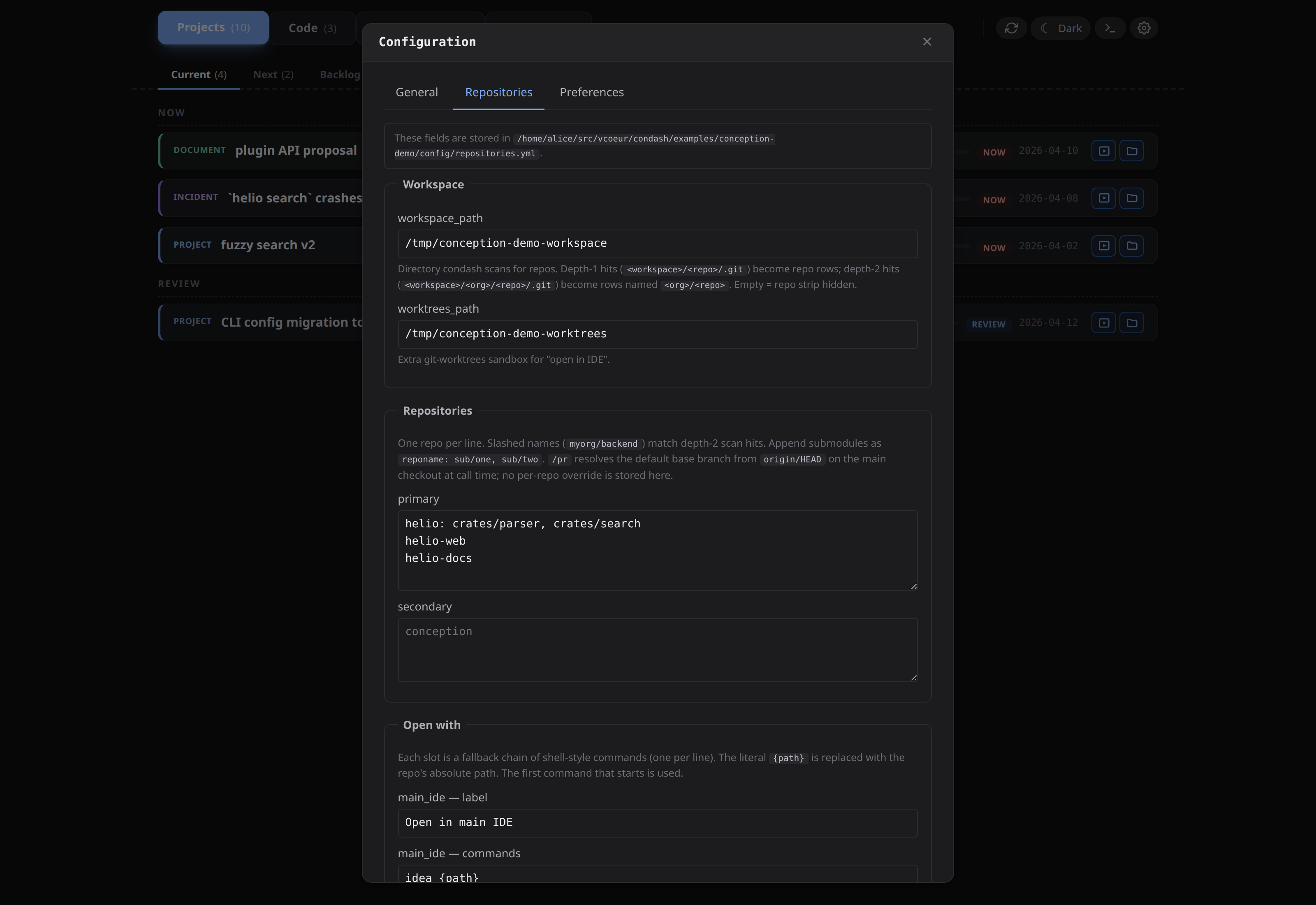
Click the gear icon in the header. A modal opens with three tabs:
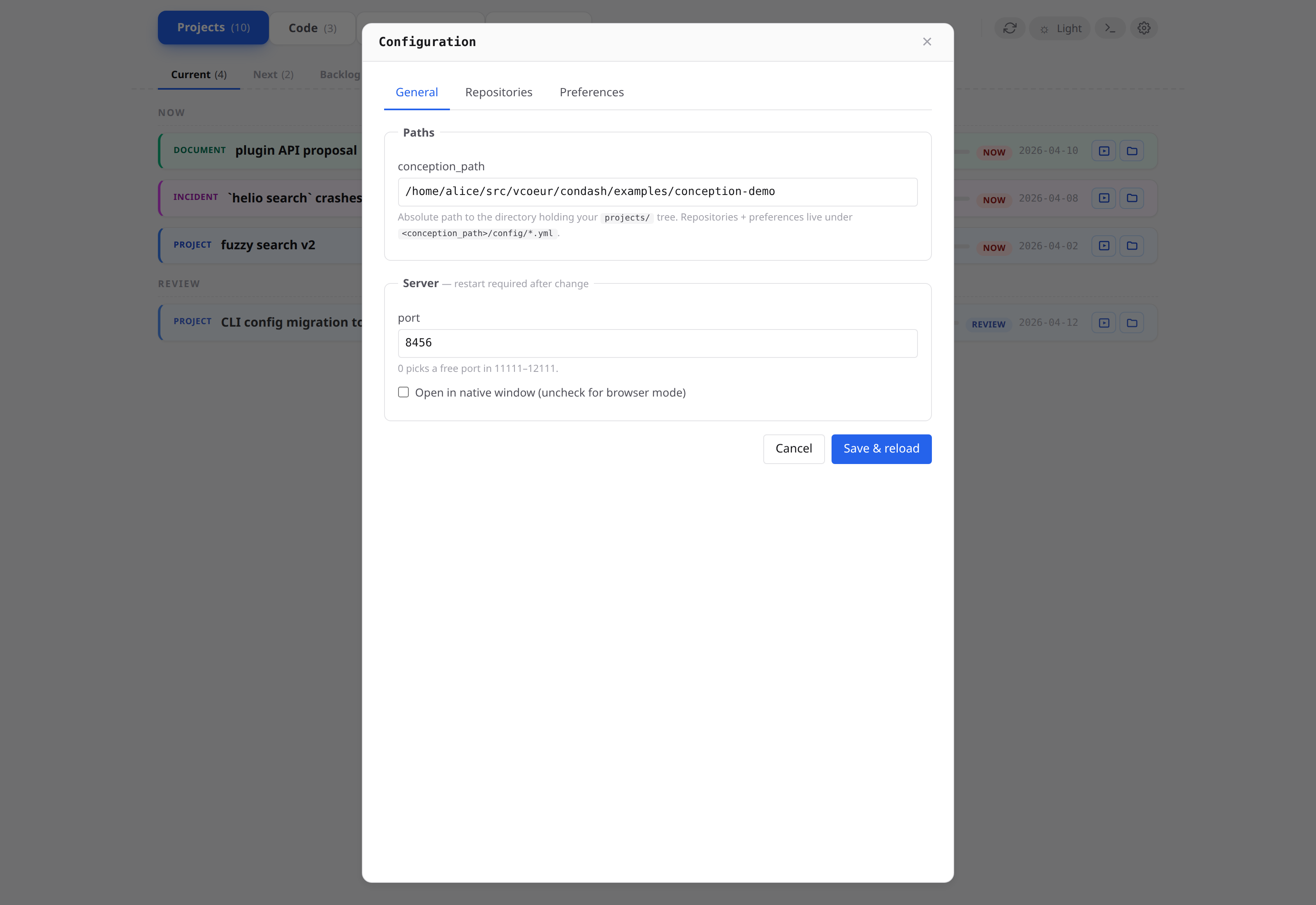
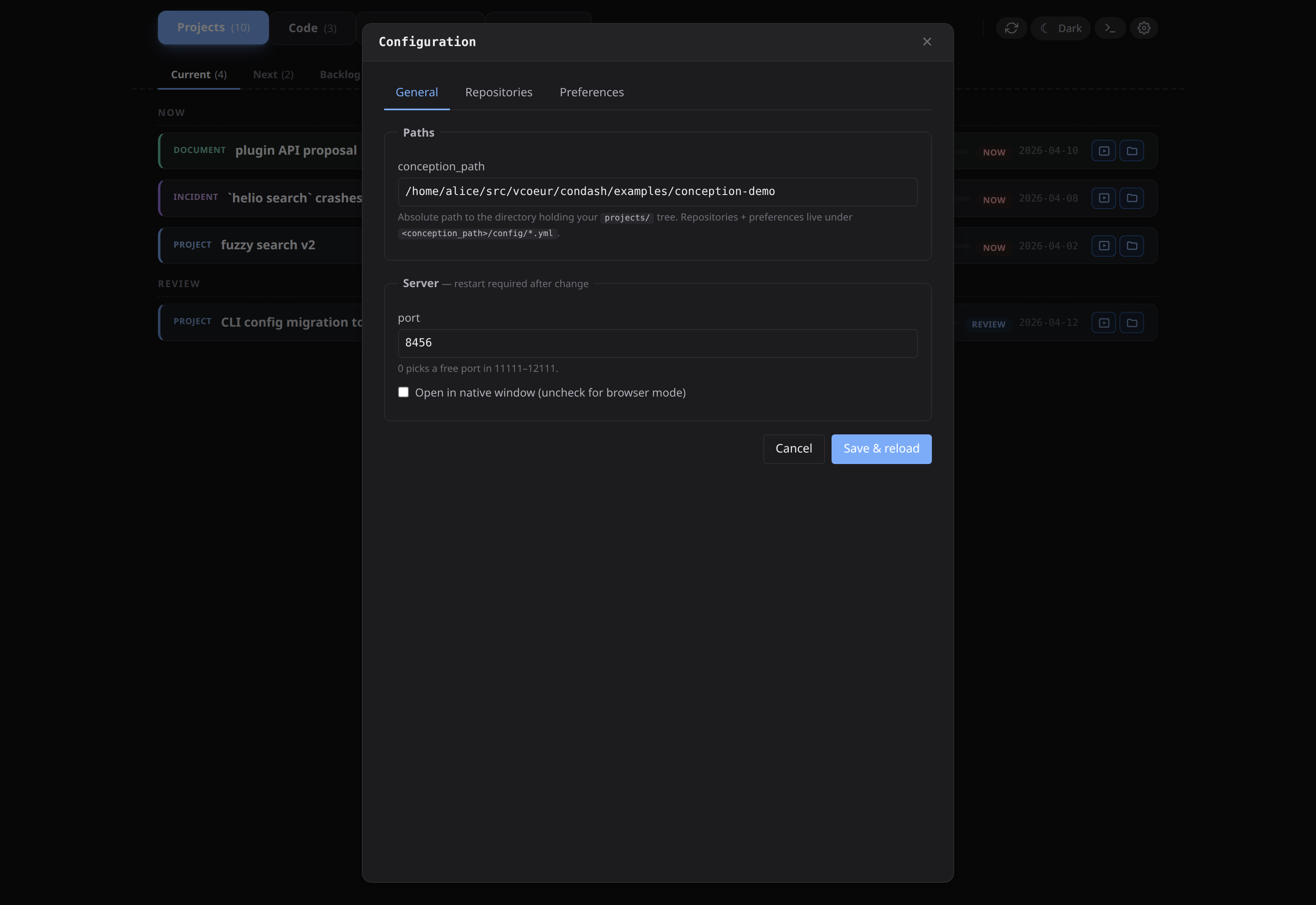
- General → writes
conception_path,port,nativetoconfig.toml. - Repositories → writes
workspace_path,worktrees_path,repositories,open_withtorepositories.yml. - Preferences → writes
pdf_viewer,terminaltopreferences.yml.
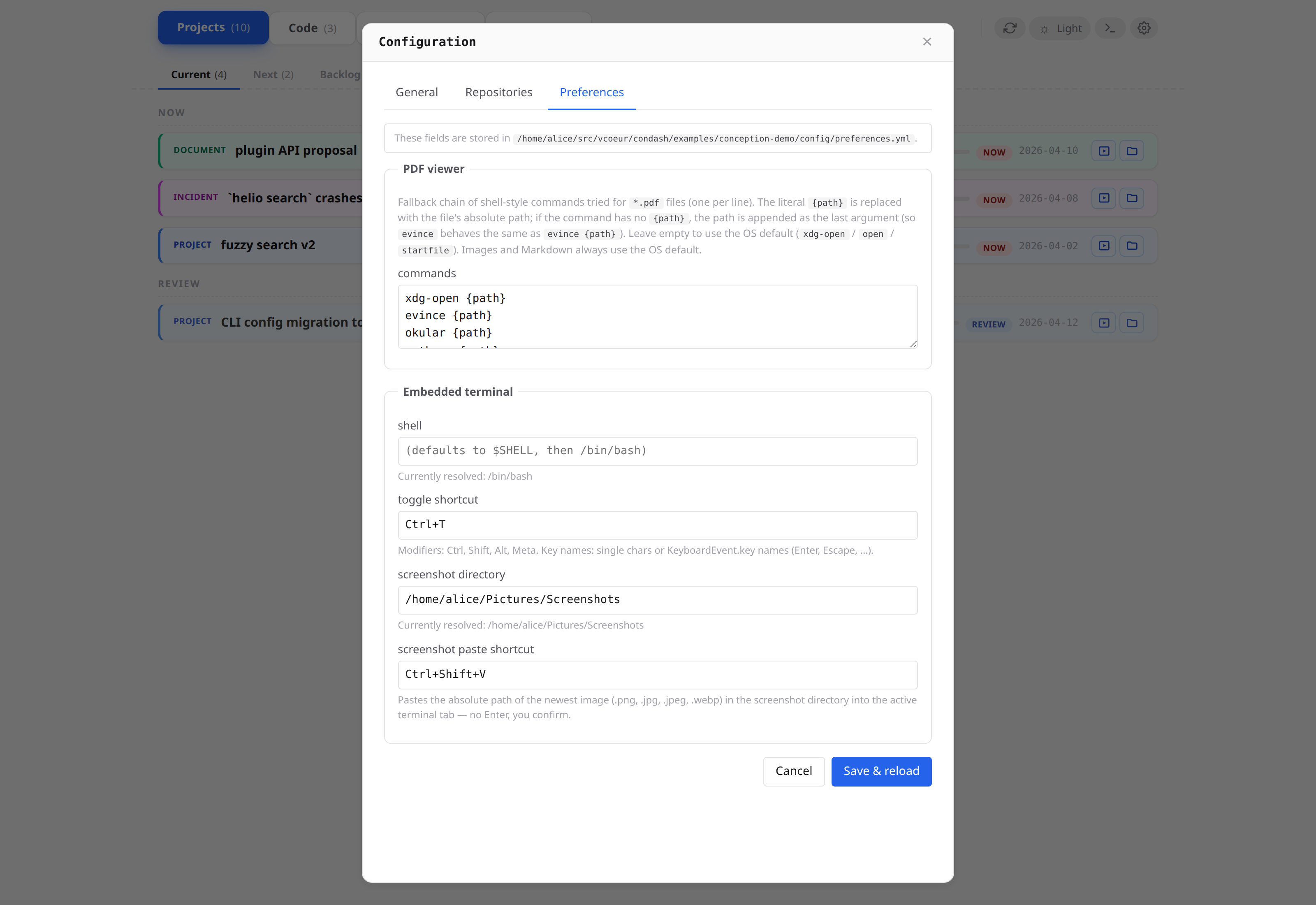
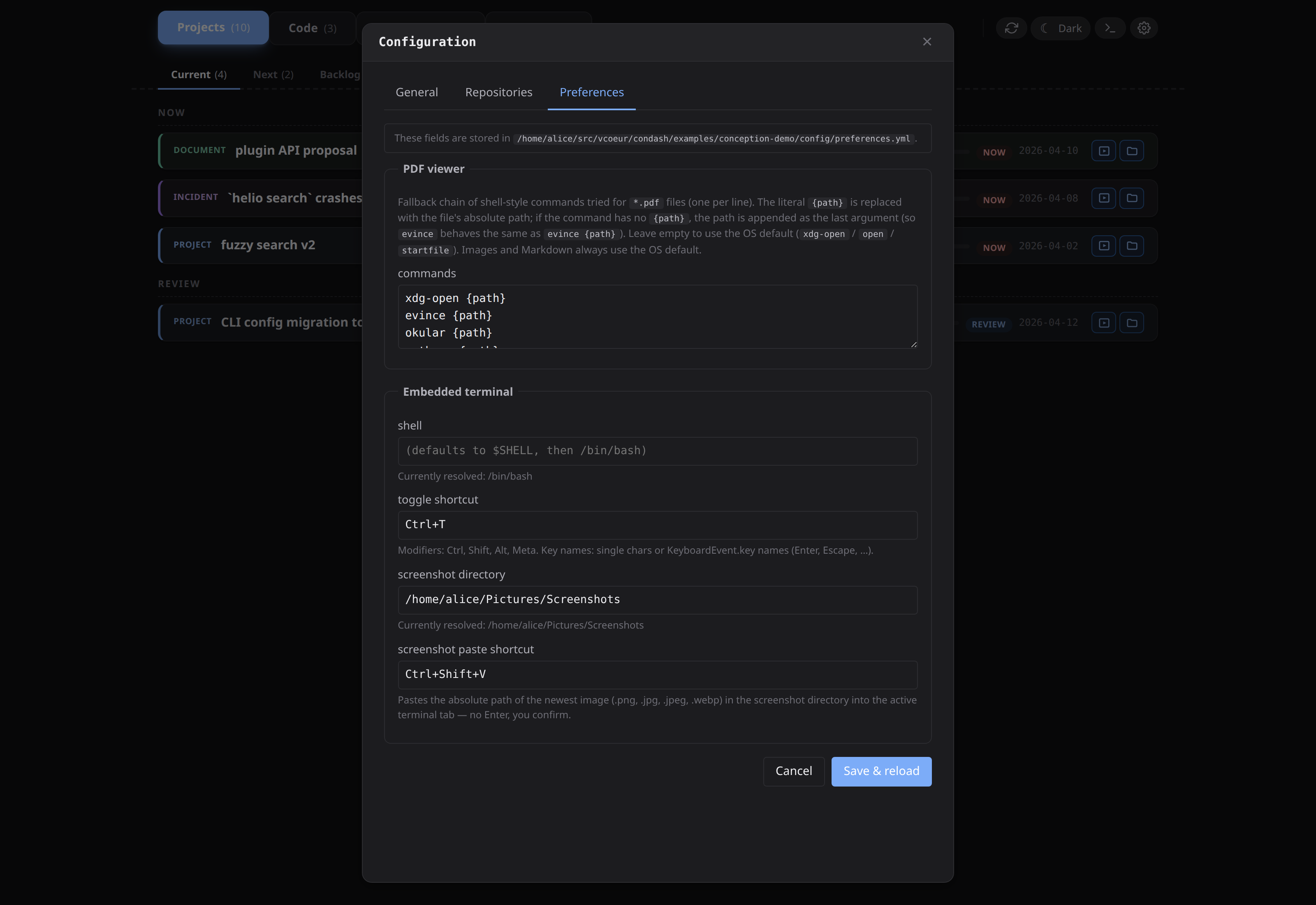
Saves are atomic (tomlkit / PyYAML) and preserve comments you've added outside the header block. Changes to port and native require a restart; the modal tells you so. Everything else reloads live.