Configure the conception path
When to read this. You want condash to render a tree other than the one it's using now, or you want to know all the ways that path can be set.
The conception_path is the only mandatory config key. Everything else has a sensible default; this one has no guess condash can make on your behalf.
Option 1 — persistent, via condash init + TOML
condash init writes a commented template to ~/.config/condash/config.toml (or $XDG_CONFIG_HOME/condash/config.toml if that's set):
Uncomment and fill the single line:
Save and launch condash. This is the right setup for your main tree — the path you work in every day.
Absolute paths only
~ and $HOME are not expanded in the TOML. Write the full path or condash will reject startup with a clear error.
Option 2 — one-shot, via --conception-path
For testing against a scratch tree without touching the TOML:
The flag overrides config.toml for that launch only. Useful for:
- Trying a fresh tree layout without disturbing your working config.
- Running two condash instances side-by-side (different
--porteach) to compare trees. - Scripts and demos (see how the screenshot recipe in the overhaul project's
notes/screenshots.mduses it).
Option 3 — from the gear modal
Click the gear icon in the dashboard header. The General tab shows the current conception_path in an editable field:
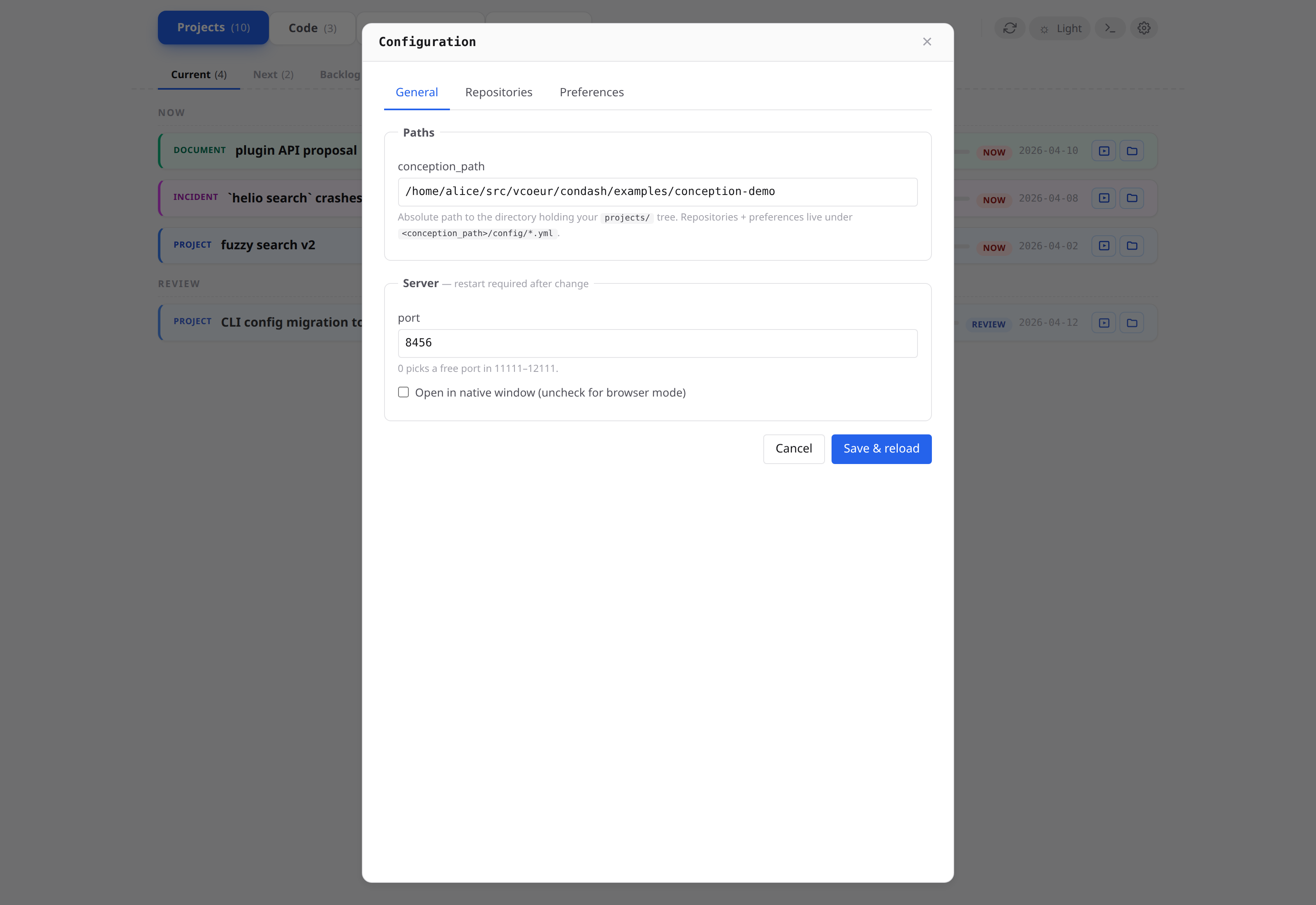
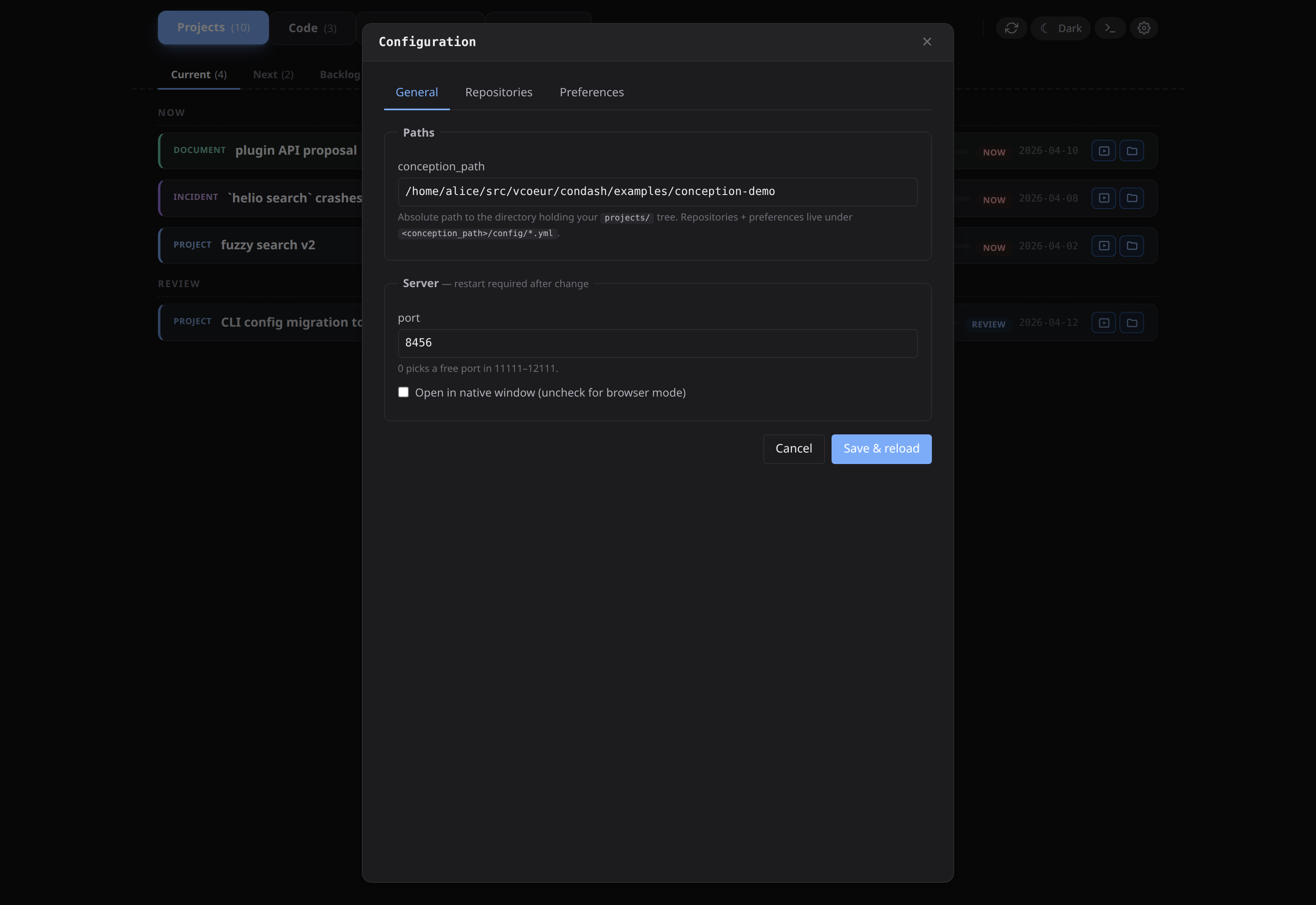
Typing a new path and clicking Save rewrites config.toml atomically (via tomlkit, so comments above the header block are preserved) and reloads the dashboard against the new tree. No restart needed.
When to use a scratch tree
A scratch tree is any directory with a minimal projects/YYYY-MM/ layout that you point condash at temporarily. Common reasons:
- Learning — the bundled
conception-demotree, fetched in First run. - Onboarding a teammate — fork a small sample tree, have them point condash at it, walk them through creating their first item, then point them at the team tree.
- Snapshot of a bug — reduce a broken tree to a minimal reproducer, commit it, and file the issue with a
--conception-pathcommand in the repro steps.
The cheapest way to make one:
The Projects tab will be empty but the dashboard will render. Add README files under projects/2026-04/ and refresh.
Multiple machines pointed at the same tree
If you sync the conception tree between machines via git, each machine needs its own config.toml — conception_path is a per-machine setting because the absolute path typically differs (different users, different mount points).
The tree itself carries the team-shared config (repositories.yml) and each machine's local tweaks (preferences.yml, if used). See Multi-machine setup for the full split.
Debugging
If condash refuses to start, the two most common causes:
prints the resolved configuration. Check that conception_path is what you expect — if you set it in the gear modal but the CLI still reports the old value, you probably have a stray --config flag or a different $XDG_CONFIG_HOME.
prints the location of the TOML file condash reads. Useful when you're unsure which of several config files takes precedence.